





























How to Create an Irembo Account in Rwanda (2026 Guide)
Learn how to create an Irembo account in Rwanda step by step. Discover account requirements, registration, OTP verification, password rules, and identity verification.

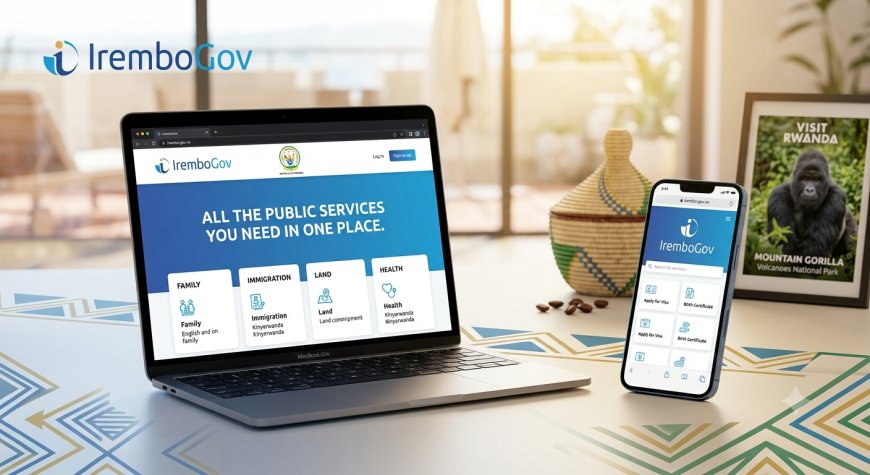
How to Create an Irembo Account in Rwanda (2026 Guide)
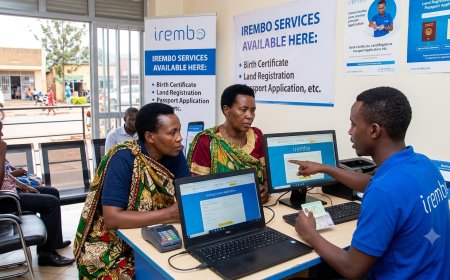
Creating an Irembo account makes it easier to access government services online in Rwanda. With an IremboGov account, you can access eligible public services, submit applications, make payments, and manage your applications online.
In this guide, we explain how to create an Irembo account in Rwanda, what you need before registering, how to verify your account, and what to do if you experience problems.
What Is IremboGov?
IremboGov is Rwanda's online platform for accessing government services. It allows citizens and other eligible users to access a wide range of public services online without having to visit a government office for every application.
Depending on the service, you may be able to submit an application, make a payment, track your application, and receive an electronic document through the platform.
What Do You Need to Create an Irembo Account?
Before creating your account, make sure you have the information required for registration and identity verification.
For Rwandans Living in Rwanda
- A valid Rwandan National ID
- A phone number associated with your National ID
- An email address, if you choose to register using email
You can dial *125# to check the phone numbers associated with your National ID.
For Rwandans Living Abroad
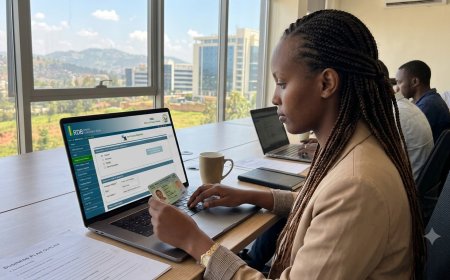
Rwandans living abroad can use their identification information and a valid consular card when completing the identity verification process.
How to Create an Irembo Account Step by Step
Step 1: Visit IremboGov
Open the official IremboGov website using your phone or computer.
Official website: IremboGov
On the website, select the option to create or sign up for an account.
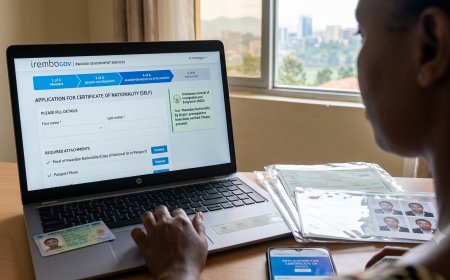
Step 2: Enter Your Registration Information
Enter the required information requested by IremboGov. Depending on the registration method, this may include your phone number or email address.
Make sure that the information you provide is accurate, especially your identification and contact information.
Step 3: Create a Password
Create a strong password for your Irembo account.
Your password should meet Irembo's security requirements, including:
- At least 8 characters
- At least one number
- At least one uppercase letter
- At least one lowercase letter
- At least one special character
Avoid using easy-to-guess passwords such as your name, date of birth, or phone number.
Step 4: Verify Your Account
After submitting your registration information, Irembo may send a one-time password (OTP) to your registered phone number or email address.
Enter the OTP where requested to complete the verification process.
After successful verification, your Irembo account will be ready to use.
How to Verify Your Identity on Irembo
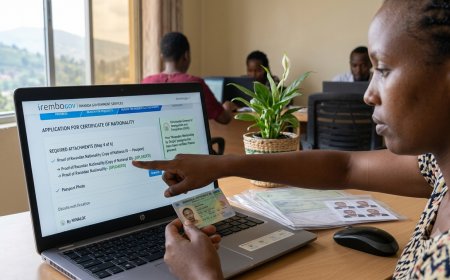
Some government services require you to have a verified identity before you can apply.
After logging into your account:
- Open My Identification.
- Select Verify.
- Select the appropriate identification option.
- Enter the requested identification information.
- Complete the OTP verification.
- Submit the verification.
Make sure that the information you provide matches your official identification records.
What If My Phone Number Does Not Match My National ID?
If your phone number does not match the information associated with your National ID, first check the phone numbers registered under your ID by dialing *125#.
If the information is incorrect or your number is not properly associated with your National ID, contact your mobile network provider or visit an authorized service center for assistance.
Can I Create an Irembo Account With a Passport?
Irembo's account-management guidance does not list a passport as a method for creating an Irembo account. The registration and identity verification process uses the identification information required by Irembo for the relevant user category.
If you are unsure which identification document applies to your situation, check the current requirements on the official IremboGov platform before registering.
Can I Have More Than One Irembo Account?
IremboGov states that a user is eligible for one IremboGov account.
If you lose access to your existing account, it is better to use the account recovery options rather than creating another account.
What If I Forget My Irembo Password?
If you forget your password, use the Forgot Password option on IremboGov and follow the instructions provided.
You may need access to the phone number or email address associated with your account to complete the recovery process.
Do I Need an Irembo Account for Every Government Service?
No. The account requirement can vary depending on the government service.
Some services can be accessed without an account, while other services require users to have an IremboGov account and verified identification.
Always check the requirements of the specific service you want to apply for before starting your application.
Frequently Asked Questions
Is creating an Irembo account free?
Creating an Irembo account does not itself require an account-registration fee. However, individual government services may have their own service fees.
Can I create an Irembo account using my phone?
Yes. You can access IremboGov using a mobile browser. Irembo also provides mobile options for accessing its services.
Can Rwandans living abroad create an Irembo account?
Yes. Rwandans living abroad can follow the account registration and identity verification process provided by IremboGov for diaspora users.
What should I do if I don't receive the OTP?
Check that your phone number or email address is correct and that your phone has a network connection. Wait a short time and try again.
If you still do not receive the OTP, use Irembo's official support channels for assistance.
Can I access my Irembo account outside Rwanda?
Yes. You can access your Irembo account from outside Rwanda as long as you have your login credentials and internet access.
Final Thoughts
Creating an Irembo account is a useful first step if you regularly use Rwanda's online government services.
Before registering, make sure your identification and contact information are correct. Create a strong password and complete the required OTP and identity-verification steps.
Once your account is ready, you can log in to IremboGov and explore the government services available to you.
Official Source
For the latest account requirements and procedures, always check the official IremboGov website and support documentation.
Last updated: September 2026
What's Your Reaction?
 Like
0
Like
0
 Dislike
0
Dislike
0
 Love
0
Love
0
 Funny
0
Funny
0
 Angry
0
Angry
0
 Sad
0
Sad
0
 Wow
0
Wow
0